Free Bookkeeping Spreadsheet for Small Business (Income, Expenses & Mileage)
If you run a one-person business, you don't need expensive software to keep good records on day one. You need a simple system you'll actually use every week. This free spreadsheet is that system.
Download the Tidy Ledger bookkeeping spreadsheet
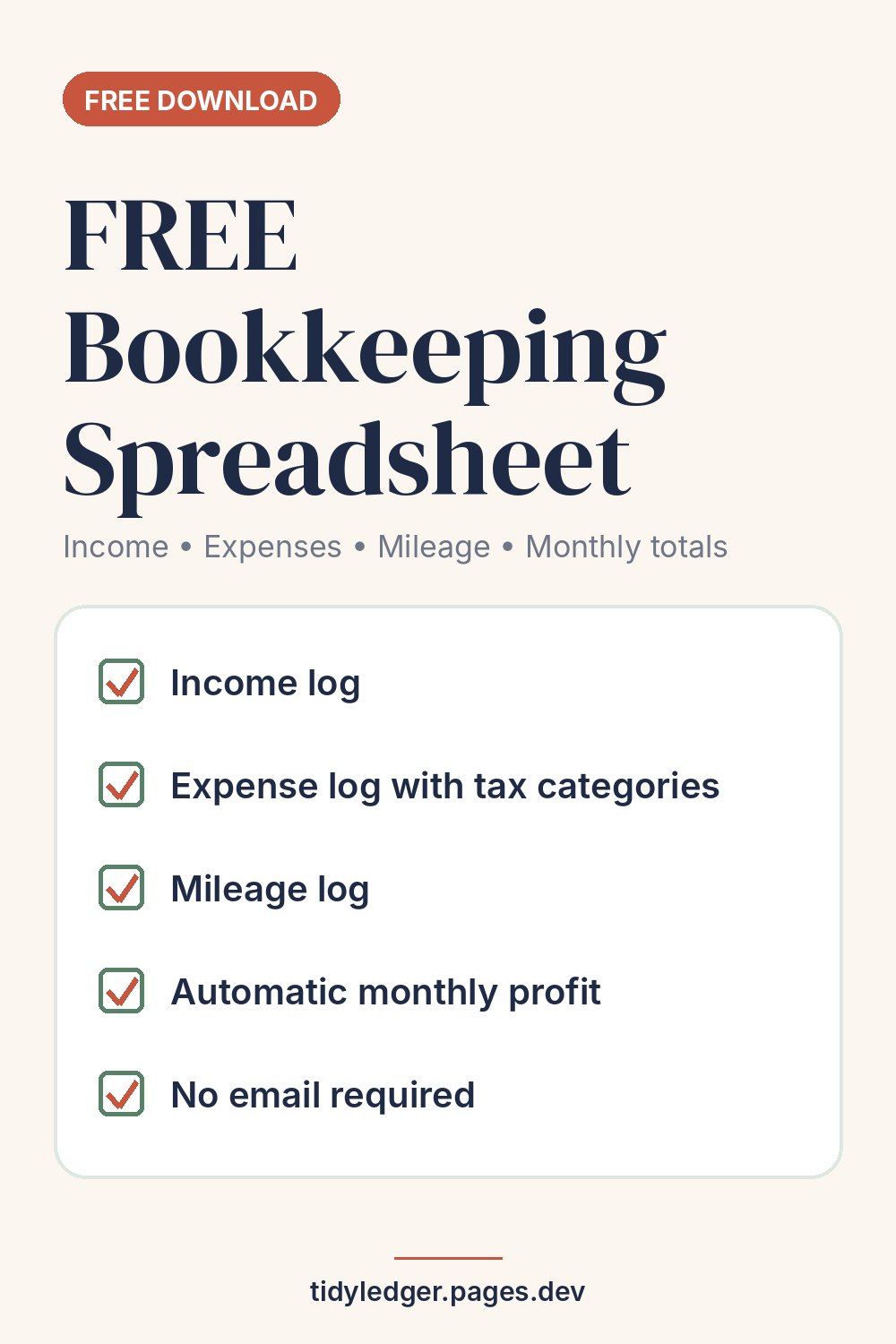
Free .xlsx file. Works in Microsoft Excel, Google Sheets and LibreOffice. No sign-up, no email.
Download the spreadsheetWhat's inside
| Tab | What it does |
|---|---|
| Start Here | Two-minute instructions and a weekly routine |
| Summary | Type your tax year; monthly income, expenses, profit and business miles calculate automatically, plus a total for the year |
| Income | One row per payment received: date, client, invoice number, amount, payment method |
| Expenses | One row per purchase, with a drop-down category list and a "receipt saved?" column that turns red when you answer No |
| Mileage | Date, from, to, business purpose and miles for each trip |
| Categories | The expense categories, each matched to a line in Part II of IRS Schedule C, with examples |
The Summary tab also totals expenses by category for the year, which is the view a tax preparer usually asks for. Personal spending paid from the business account goes in the "NOT a business expense / owner draw" category so it's excluded from your profit.
Why the categories follow Schedule C
US sole proprietors and single-member LLCs usually report business income and expenses on Schedule C (Form 1040). Using the same groupings all year (advertising, contract labor, supplies, travel and so on) means your year-end totals line up with the form instead of needing to be re-sorted in April.
The categories are a convenience, not tax advice. A few need care: for a vehicle you generally use either actual expenses or the standard mileage rate, not both, and business meals are generally only partly deductible. Check the IRS Schedule C instructions or ask a tax professional.
How to open it in Google Sheets
- Download the file to your computer or phone.
- In Google Sheets, choose File → Import → Upload and select the file.
- Pick "Replace spreadsheet" (or "Create new spreadsheet"). Formulas and drop-downs carry over.
The 15-minute weekly routine
- Income (3 min): add every payment you received this week from your bank or payment app.
- Expenses (5 min): add every business purchase, pick a category and save the receipt (a phone photo in a dedicated folder works).
- Mileage (2 min): log business trips from your calendar.
- Unpaid invoices (3 min): check who hasn't paid and send a reminder.
- Tax set-aside (2 min): move your chosen percentage of this week's profit into a separate savings account. Our estimated taxes guide explains the deadlines.
Year-end bookkeeping checklist
Do this in late December or early January to close out the year:
- Match every income row to a bank deposit or payment-app payout for the year.
- Chase unpaid invoices, and decide what to do about any that clearly won't be paid.
- Check every expense has a category and a saved receipt (filter the "Receipt saved?" column for No).
- Total your business miles on the Summary tab, and keep the Mileage log with your records.
- Move owner draws and personal spending into the "NOT a business expense / owner draw" category.
- Save a copy of the finished file (for example "Books 2026 - final.xlsx") and start a fresh copy for the new year.
- Send the category totals to your tax preparer, or keep them ready for your Schedule C.
Is a spreadsheet "good enough" for the IRS?
The IRS says that, except in a few cases, the law doesn't require any special kind of records. You can use any system suited to your business that clearly shows your income and expenses, as long as you can back up the entries (receipts, invoices, bank statements). Keep records for as long as they may be needed to support your return; IRS Publication 583 explains how long.
7 signs you've outgrown a spreadsheet
- You send more than a handful of invoices a month and chase late payments by hand.
- Copying bank transactions takes more than an hour a week.
- You want clients to pay invoices online by card or bank transfer.
- You bill recurring clients and keep forgetting to invoice someone.
- Your accountant asks for reports you can't easily produce.
- You drive a lot and keep forgetting to log trips.
- Someone else (a partner or assistant) needs access to the books.
When that happens, compare options in our guides to the best invoicing software for freelancers (including free apps) and FreshBooks vs QuickBooks.
FAQ
Is the spreadsheet really free?
Yes. No email, no account. You can use it for your own business records; please don't resell it.
Will it work for an LLC or a non-US business?
The income, expense and mileage logs work anywhere. The category labels follow the US Schedule C, so if you file differently, rename the categories on the Categories tab and the drop-downs update automatically.
Does it calculate my taxes?
No. It totals profit and applies a set-aside percentage you choose. Your actual tax depends on your whole situation.
Sources
- IRS, Recordkeeping: https://www.irs.gov/businesses/small-businesses-self-employed/recordkeeping
- IRS Publication 583, Starting a Business and Keeping Records: https://www.irs.gov/publications/p583
- IRS, About Schedule C (Form 1040): https://www.irs.gov/forms-pubs/about-schedule-c-form-1040